 squeeze

the numbers
| Camera | Smaller | By |
|---|---|---|
| Fuji X-T5 | 85% | |
| Canon R5 | 95% | |
| Sony A7 IV | 91% | |
| Panasonic S5 II | 83% | |
| Nikon Z8 | 62% | |
| All five 195 → 28 MB | 85% |
Measured on an M1 Pro, Balanced quality, no denoise. A single sample per brand. Four are free-to-use sample photos; the Fuji is ours. Nikon's camera had already squeezed its sample, so there was less to take out.
see for yourself
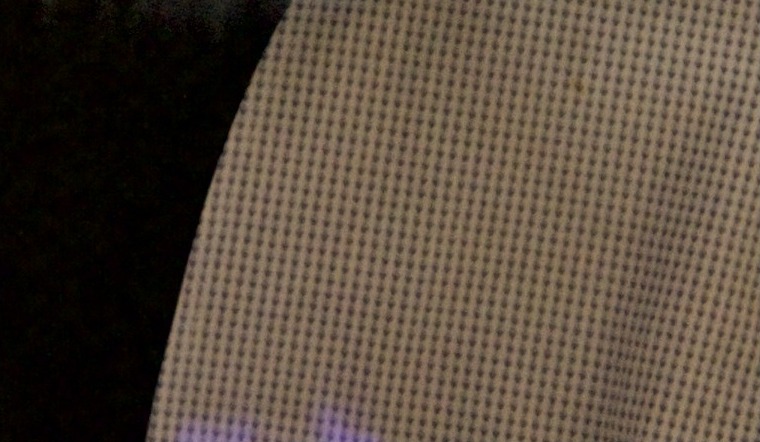
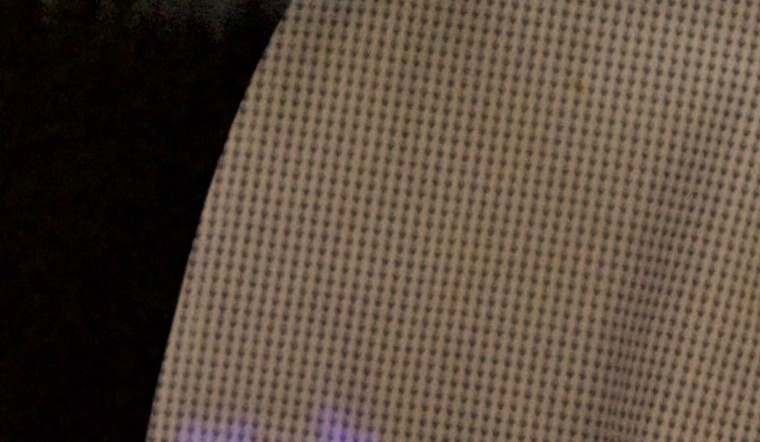 Original 29.8 MBSqueezed 4.4 MB
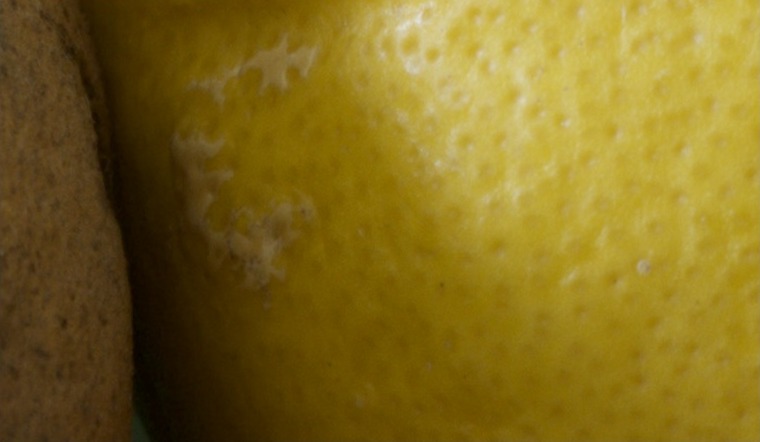
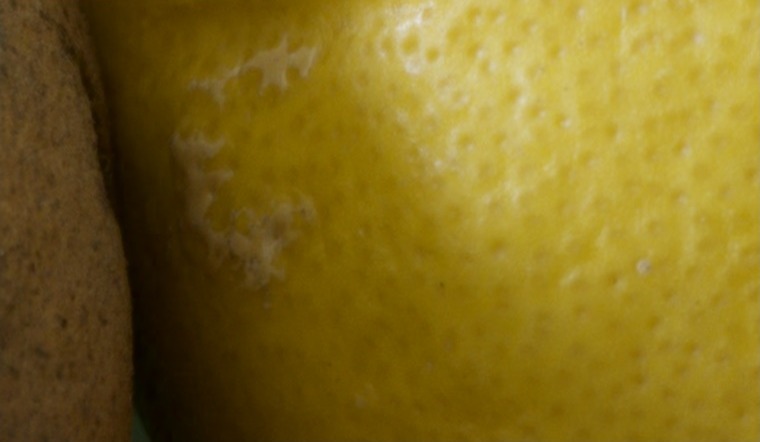 Original 30.4 MBSqueezed 1.6 MB
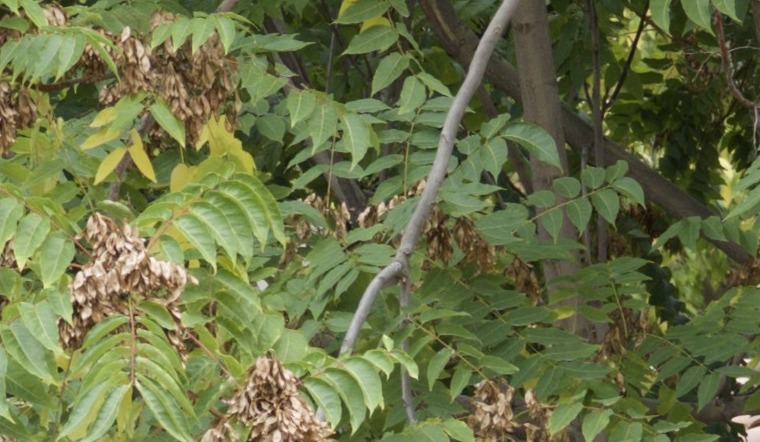
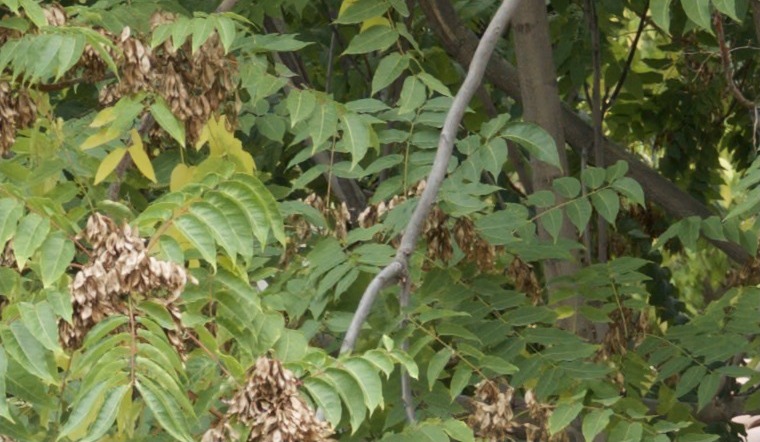 Original 73.5 MBSqueezed 6.9 MB
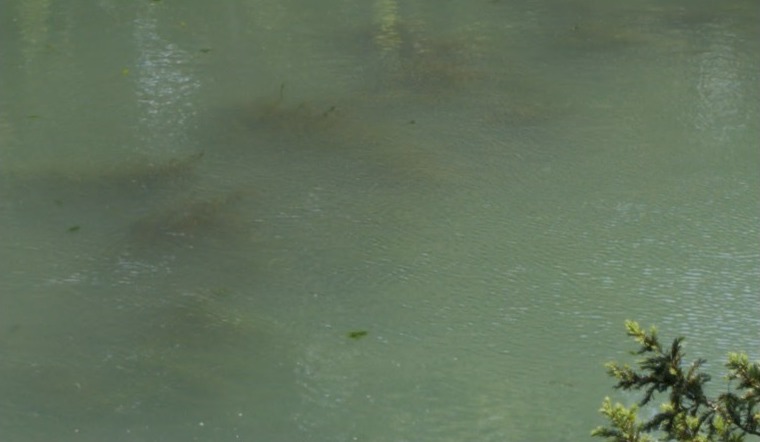
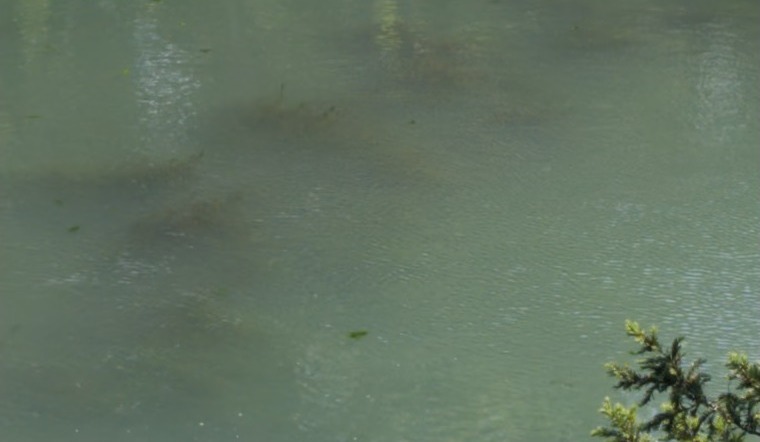 Original 24.4 MBSqueezed 9.4 MB
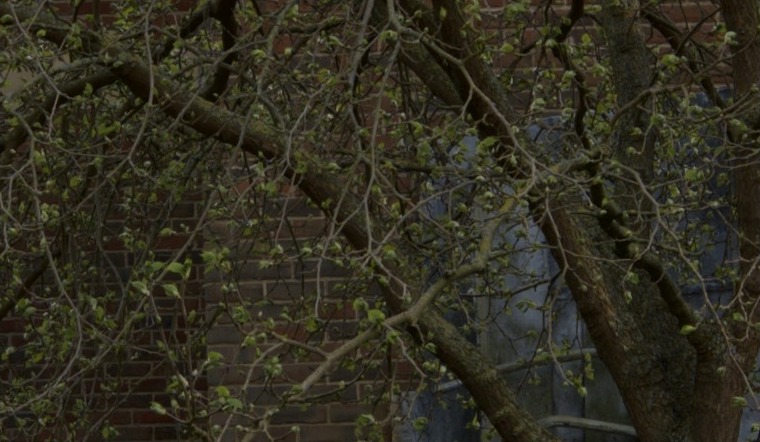
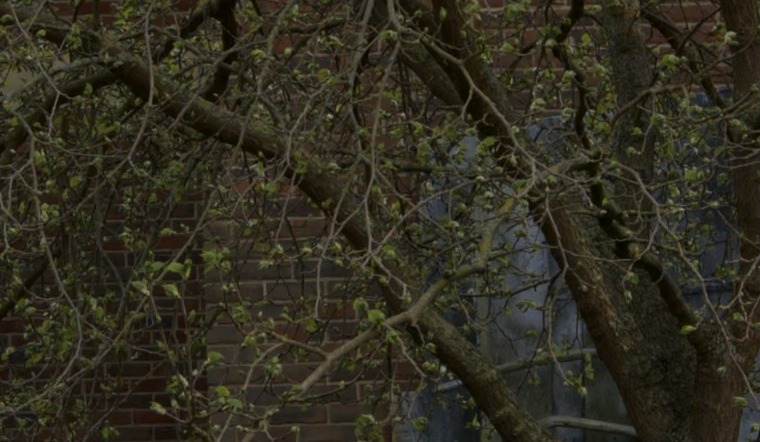 Original 37.3 MBSqueezed 6.2 MB
Real crops from our test files, Balanced quality. The deep-shadow view pushes the exposure +2.5 EV, where banding and blocking show first.
three steps
Drop
Drop a folder on Squeeze. Watch GBs drip out.
Most of a RAW photo's data is noise your eyes never see.Squeeze
A perception check finds the biggest error your eyes can't see, then drops exactly that.
About 3 to 4 seconds per 40-megapixel photo.Open
The squeezed photo opens in Lightroom Classic at full resolution, with full editing control.
Originals stay put until you say so.your lightroom edits come along
- Your edits, crop, star ratings, labels and camera profile all carry over in our tests.
- The catch: Lightroom must save your edits first. Auto-write does it, or press ⌘S.
- Edit history and catalog links don't travel. The current edit does.
denoise first
- Got DxO PureRAW? Denoise first, then squeeze. A Fuji event folder of 9 photos went from 502.7 MB to 30.3 MB: 93% smaller.
- Turn on the denoise switch in Squeeze. It adds about 7 to 20 seconds per photo.
the honest bit
- Shrinking is one-way. The data it throws out never comes back.
- Denoise first. DxO and Lightroom's AI Denoise refuse shrunk photos. Never run DxO or Fuji X RAW Studio on the output.
- The way colour is built from the sensor is baked in. Future, better software won't apply to shrunk photos.
- Your originals are your call. Squeeze only trashes them when you ask, and only to the Trash.
- Don't squeeze twice. A squeezed photo gains almost nothing and loses a little more.
- Needs the free Adobe DNG Converter installed, and macOS 26.
Won't open: DxO PureRAW, DxO PhotoLab, Fuji X RAW Studio, in any format. Never run them on the output.
buy squeeze
- One payment. Your Mac, forever.
- 14-day refund, no questions
- Free updates for v1
faq
Does it lose quality?
Yes, it throws some data away. At 100%, side by side, four of five test cameras show no visible difference; zoom to 300% on fine noise and you might spot one.
Do my Lightroom edits come along?
Yes, once Lightroom has saved them (auto-write does it, or press ⌘S). Edit history and catalog links stay behind, but your current edit comes along.
Which cameras work?
We tested Fuji, Canon, Sony, Panasonic and Nikon. It also accepts Olympus/OM, Leica, Pentax, Hasselblad, Phase One, GoPro and DNG, but we haven't measured those.
Do I need anything else installed?
Yes: the free Adobe DNG Converter, which Squeeze links you to. Denoising is optional and needs DxO PureRAW.
How long does it take?
About 3 to 4 seconds per 40-megapixel photo at Balanced speed. Denoising adds about 7 to 20 seconds more per photo, depending on your Mac.
Are my originals safe?
Yes. Squeeze never changes your originals, and it only sends them to the Trash when you ask.